Add a call button to any website with a single script tag. Customize everything visually from your dashboard — colors, position, greeting, availability, and more.
No data attributes. No configuration in markup. Everything is set in your dashboard and baked into the script at serve time.
<script src="https://portal.shoutdial.com/api/agent/your-slug/widget.js" async></script>
No code changes needed. Every option is set visually and applies instantly.
Widget color, header background, CTA button color. Match your brand exactly.
Icon (phone/headset/chat), size (S/M/L), shape (circle/rounded), margins, greeting bubble.
Header title, subtitle, logo, welcome message, CTA text, and powered-by toggle.
Dark, light, or auto. Plus AI-generated custom themes from your website colors.
Always on, manual, or scheduled with business hours. Custom offline behavior and messaging.
Toggle video, PSTN callback, visitor voice clone, call recording, and AI avatar per agent.
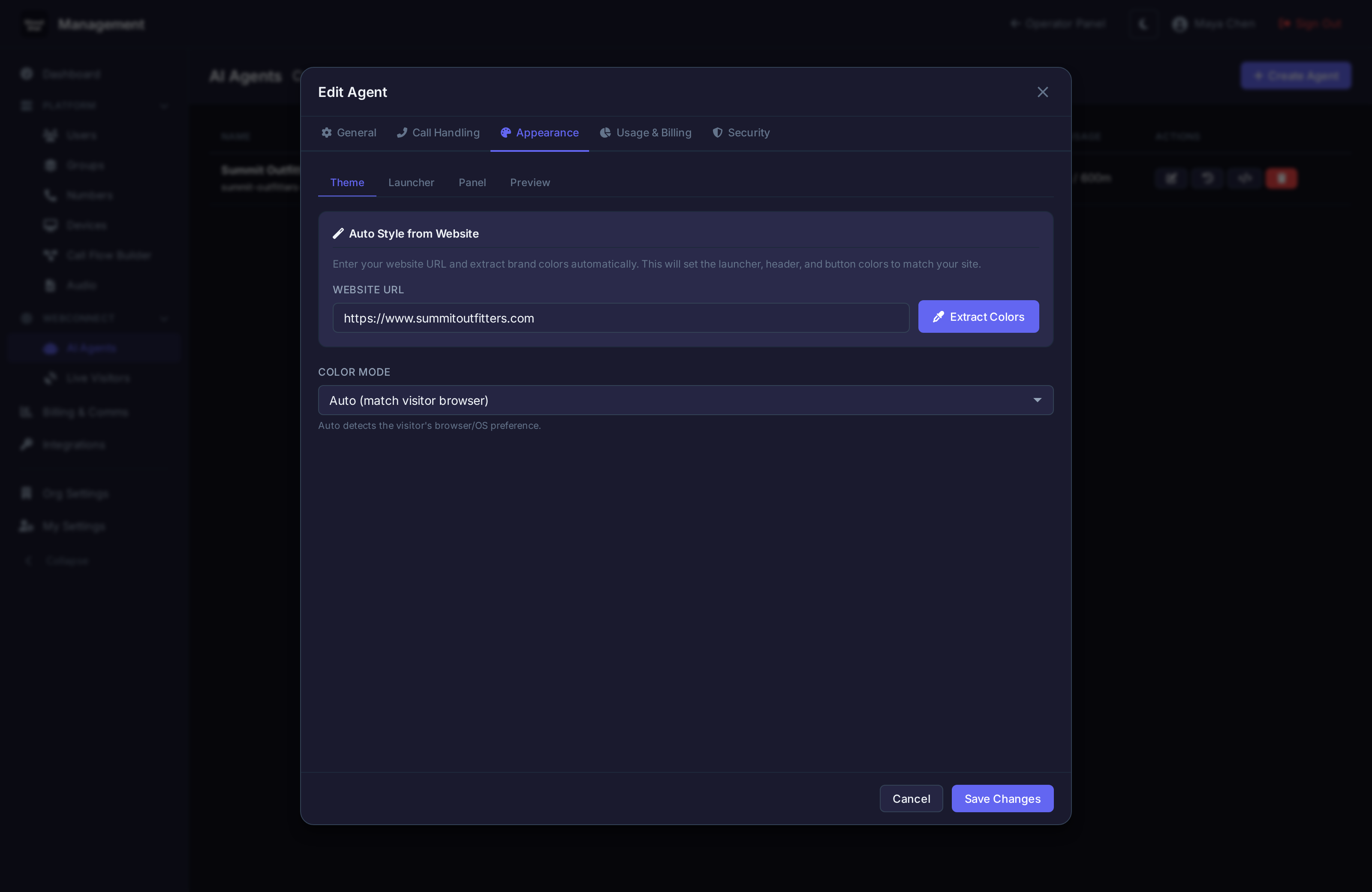
Auto-Style
Paste your website URL and the system scrapes your site to extract brand colors. The widget automatically styles itself to match — header, buttons, launcher, everything. One click.
The widget handles voice calls, video calls, PSTN callbacks, visitor tracking, and real-time translation — all from one embed.
Voice Calls
WebRTC browser-to-browser calling with AI agent or live operator
Video Calls
Face-to-face via WebRTC. Available on all tiers.
PSTN Callback
Visitor enters their number, AI calls them back on a real phone line
Visitor Tracking
Pages visited, cart contents, device info — sent to operator dashboard
Translation
Real-time voice and text translation in 25+ languages during the call
Mobile Responsive
Touch-optimized layout for mobile browsers with WebRTC mobile shims